Tips, Tutorials, Hacks

Screencast: Curves color enhancement tutorial

// July 9th, 2008

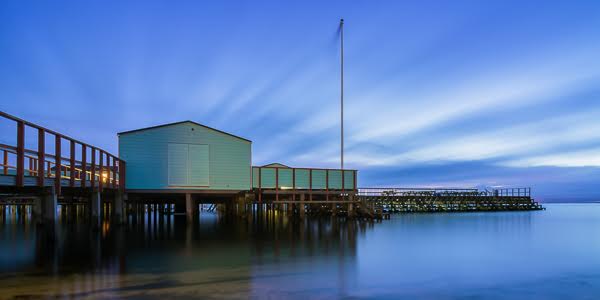
This 2.5 minute screencast shows a simple and fast technique using multiple layers to enhance the colors in a photograph.

GIMP is free photo editing software for Windows, Mac and Linux.

I published the final version of this photo at Flickr.

Share this post:
  • Twitter
  • Digg
  • Facebook
  • del.icio.us
  • StumbleUpon
  • FriendFeed
  • Google Bookmarks
  • Tumblr
  • Mixx
  • Netvibes
  • Yahoo! Buzz
  • Reddit
  • Propeller
  • RSS
  • email
  • Add to favorites
  • Print

4 Responses to “Screencast: Curves color enhancement tutorial”

  1. [...] Screencast: Curves color enhancement tutorial Photodoto A great little screencast on how to modify two different colors in an image and blend the enhancements together using a gradient layer mask. [...]

  2. [...] Curves color enhancement tutorial – a video screencast of GIMP in action [...]

  3. [...] Curves color enhancement tutorial – a video screencast of GIMP in action [...]

  4. [...] Screencast: Curves color enhancement tutorial This 2.5 minute screencast shows a simple and fast technique using multiple layers to enhance the colors in a photograph. [...]