Cell phone cameras and apps like Instagram have made it possible for anyone to practice and enjoy the art of Photography. The filters that come with Instagram do a great job of altering the mood or tone of photographs. They also add a flare of drama to otherwise boring images.
However, because Instagram filters lack the ability to customize exactly how the images will be altered, using these filters can actually lower the quality of your photographs.
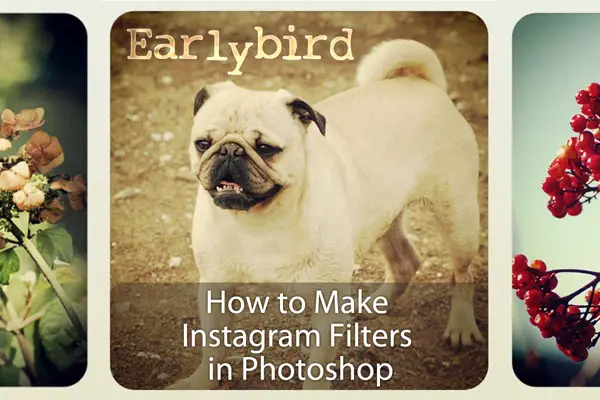
If you want to create photographs with high-quality post-editing, it is much better to use photo-editing software that has more customization features.
This guide will show you how to add really cool Instagram-inspired effects to your photos using Adobe Photoshop so that you can Instagram the professional way. You will also level up your Photoshop skills and pick up some tips and tricks along the way!
… Continue reading How to Make Instagram Filters in Photoshop: Earlybird